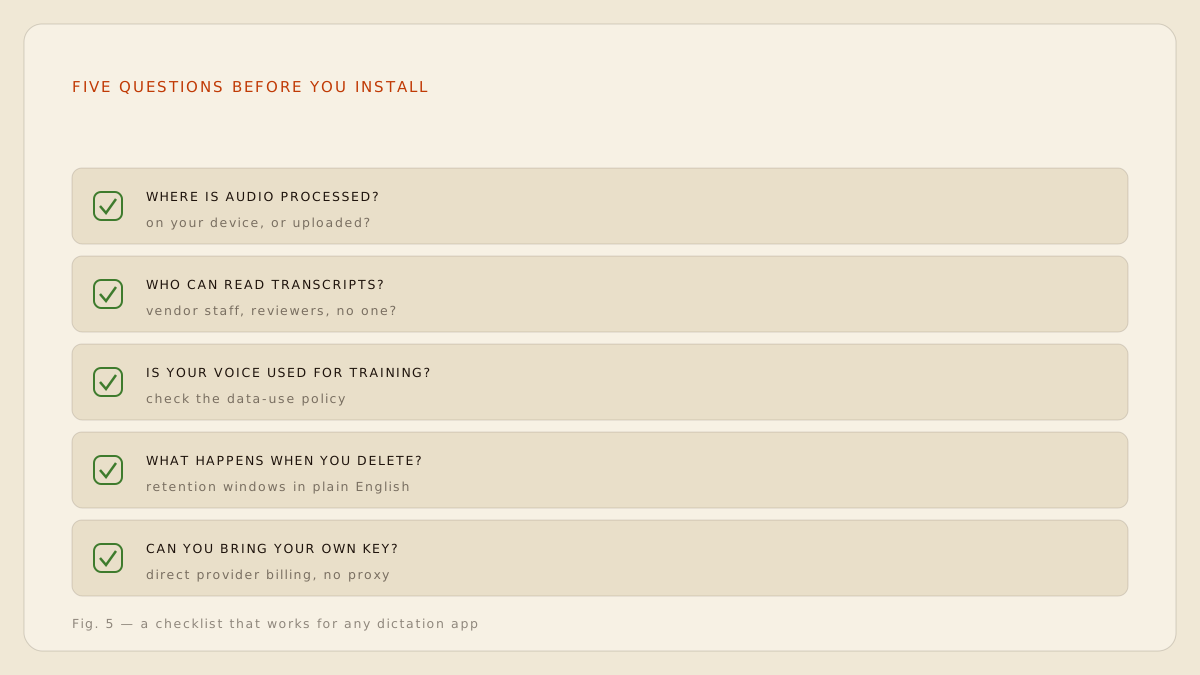
A dictation app asks for the most sensitive permission on your computer: a standing microphone. Before you grant it, spend two minutes on the five questions below. They work for any tool, including ours, and the quality of the answers matters as much as the answers themselves. [1]
The five questions
1. Where is my audio processed?
On your device, or on their servers? This is the master question; almost everything else follows from it. Look for the word on-device or local, and be suspicious of we take privacy seriously, which is a sentiment, not an architecture.
2. Can any human read or hear my dictation?
Quality-review programmes are common in cloud transcription. Some vendors disclose them, some bury them, some discovered they had one when a contractor leaked recordings to a newspaper. [2]
3. Is my voice used to train models?
Check both the current policy and the change-of-policy clause. We may update this policy at any time means today's no can become next quarter's yes without you noticing.
4. What happens when I delete?
Retention windows should be stated in plain English with real numbers. Deleted within 30 days is an answer. We retain data as needed for business purposes is not.
5. Can I bring my own key?
If cloud features exist, can you point them at your own provider account so the vendor is never in the content path? A yes here is the single strongest signal that the company thinks about this correctly. [3]
If a company cannot answer five plain questions about where your voice goes, it has answered them.
Scoring ShoutFlow against its own checklist
Local mode: audio processed on your Mac, no human review possible, nothing to train on, nothing retained because nothing is received. BYOK mode: your provider answers questions one to four under its own policy, and question five is the mechanism itself. ShoutFlow servers see licensing and payments, full stop.