Notes
Essays on owning your voice.
Dictation, privacy and local AI, written plainly. How speech software actually works, where your voice goes, and how to write faster without giving your words to someone else's cloud.
LATEST NOTES
 Multilingual dictation on a Mac: how to dictate in another languageSet up Mac dictation in another language, understand where Apple's coverage ends, and test a multilingual speech engine without trusting a language count.READ NOTE →
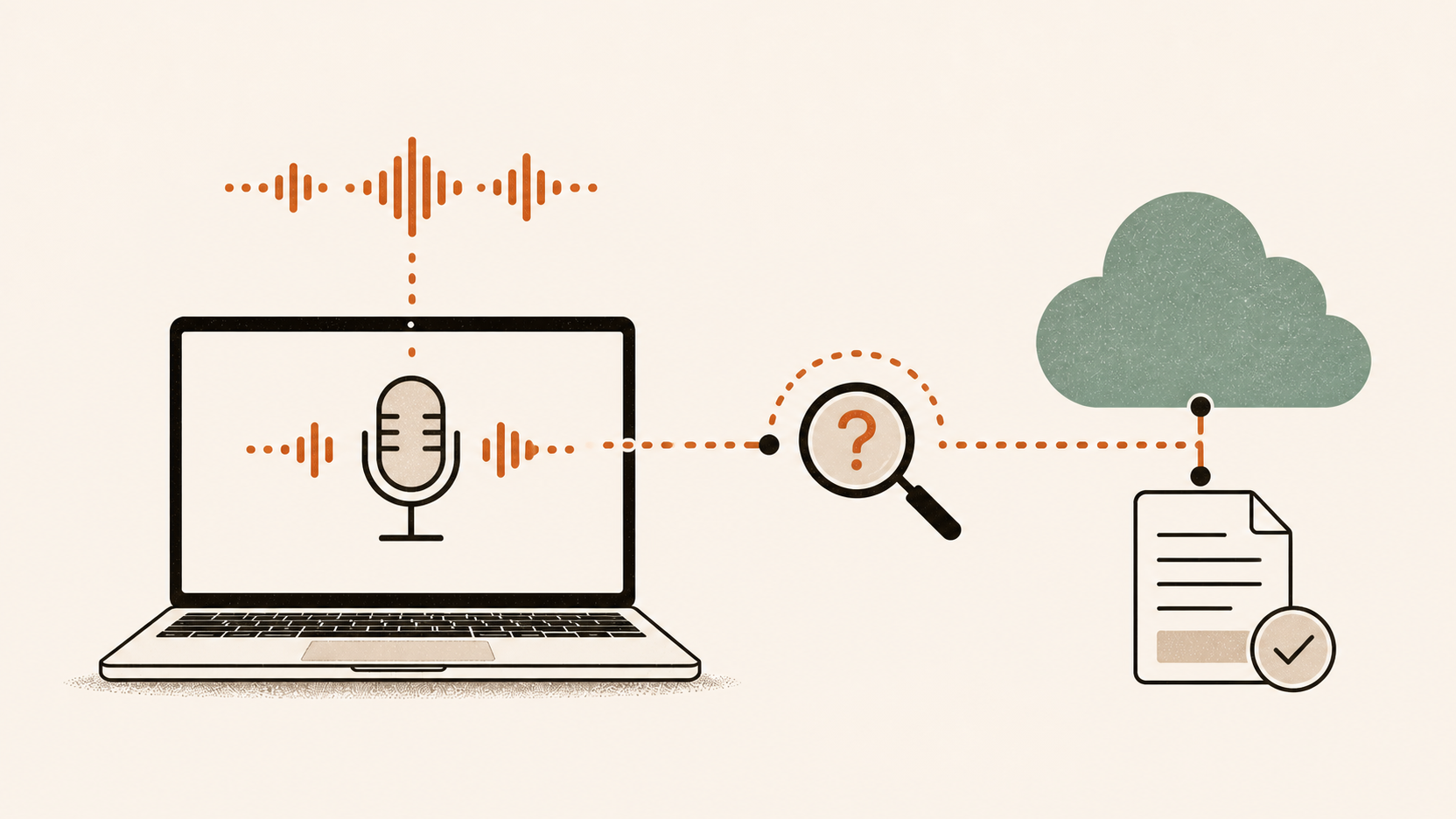 GDPR and dictation apps: who processes your audio?Trace where dictation data goes, then check each recipient's GDPR role, contract and retention terms across on-device, BYOK and vendor-cloud apps.READ NOTE →
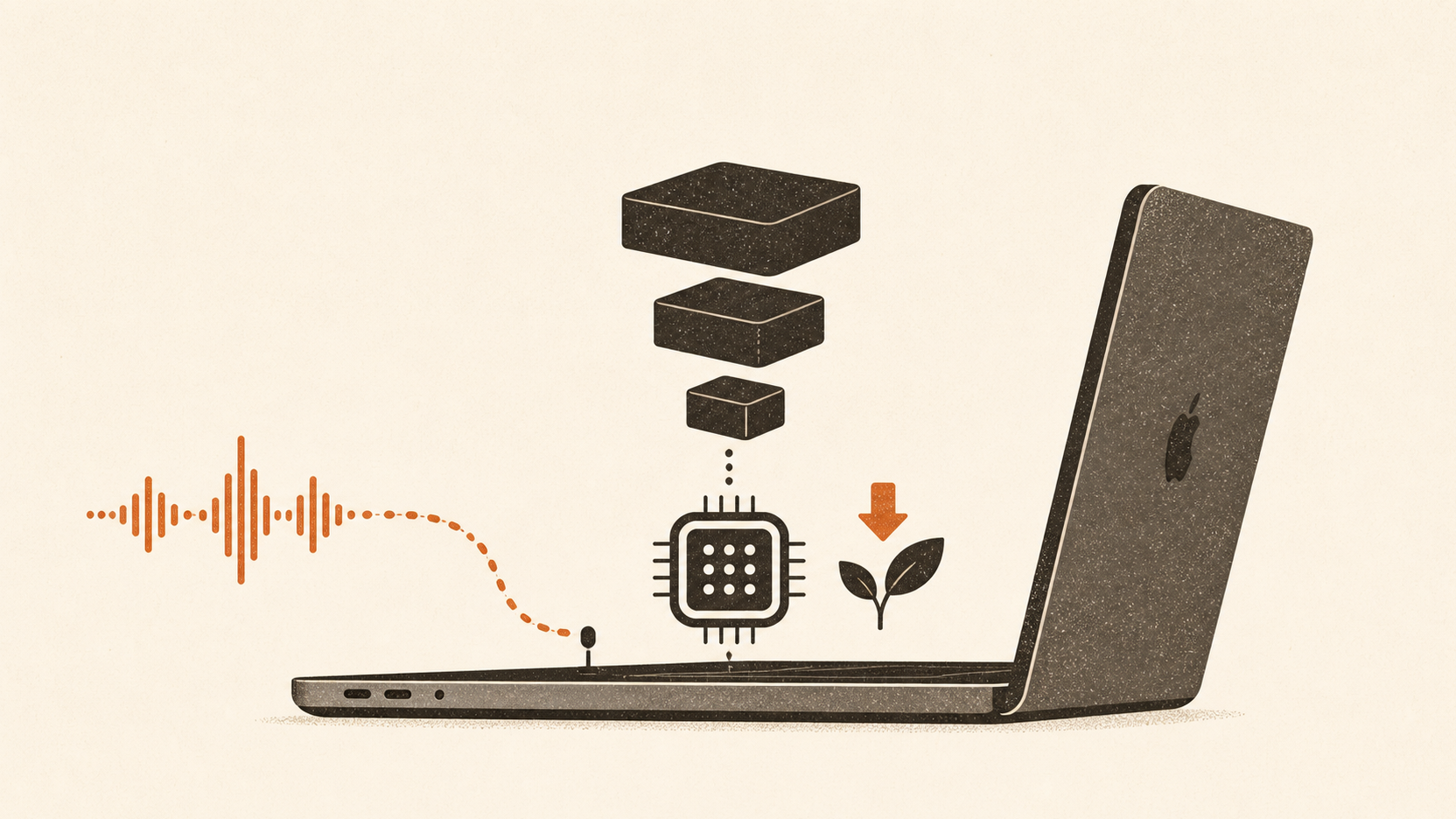 Local dictation on Apple Silicon: the practical guideHow to run Whisper dictation locally on an Apple Silicon Mac: a four-step rule for choosing your model, software route and offline expectations.READ NOTE →
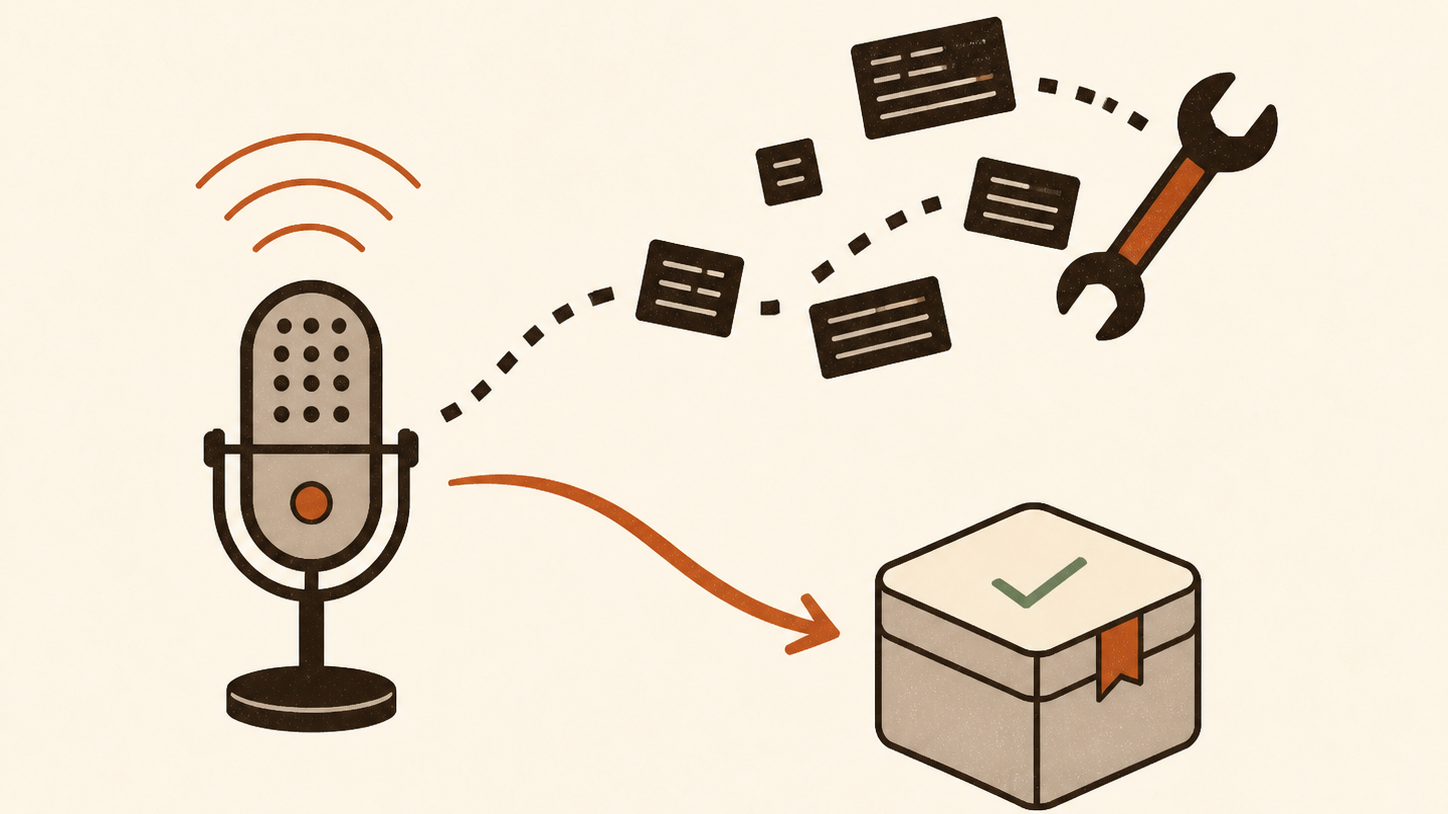 Run Whisper locally on a Mac: script vs appThe two ways to run Whisper on an Apple Silicon Mac: a DIY script with whisper.cpp, MLX or WhisperKit, or a packaged dictation app. With the exact steps and a test to pick your route.READ NOTE →
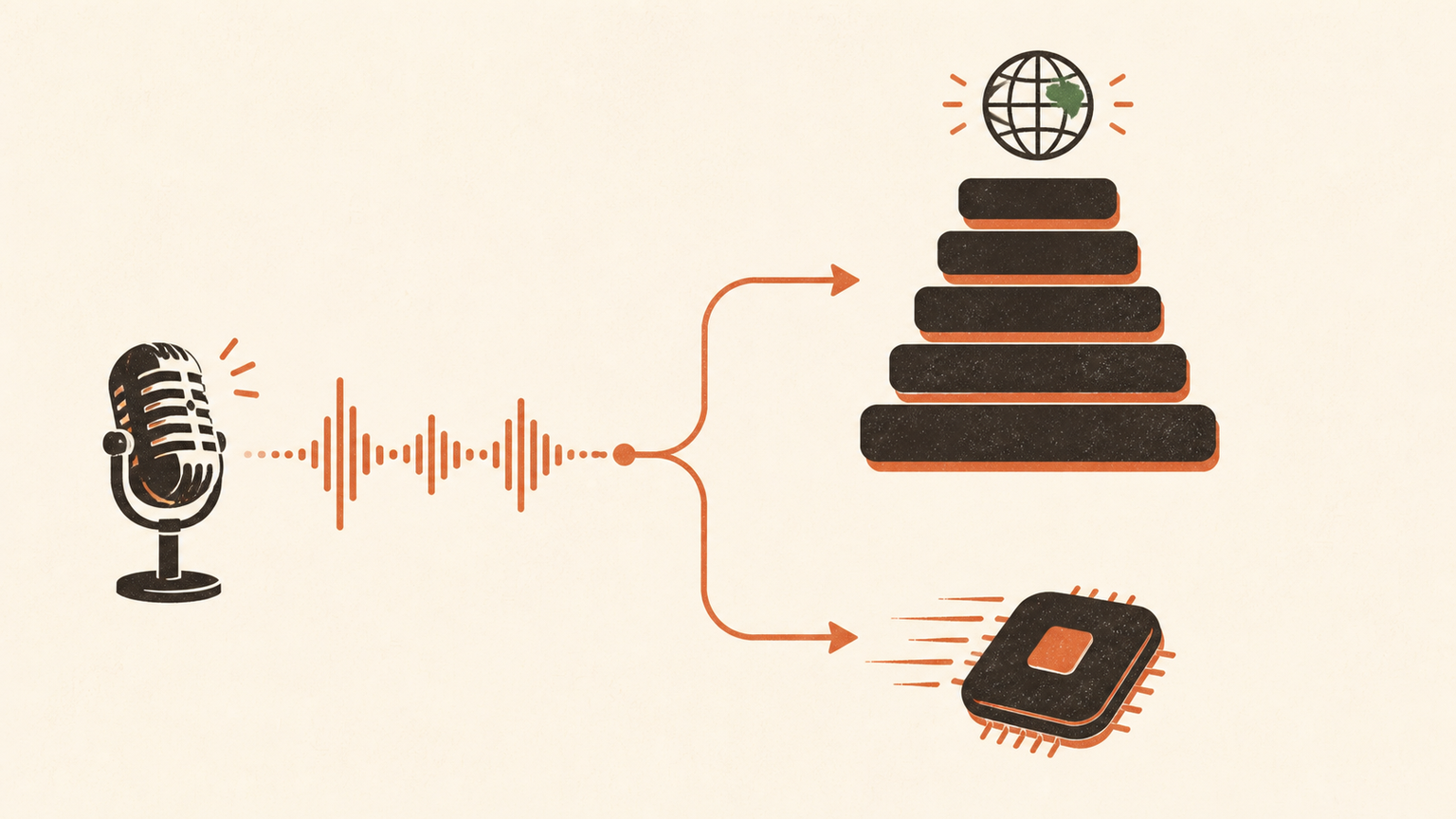 Whisper vs Parakeet for dictation: choose the engine, then test the appWhisper offers broad language coverage and mature Mac support. Parakeet now has credible MLX and Core ML paths. Choose by workflow, then test your voice.READ NOTE →
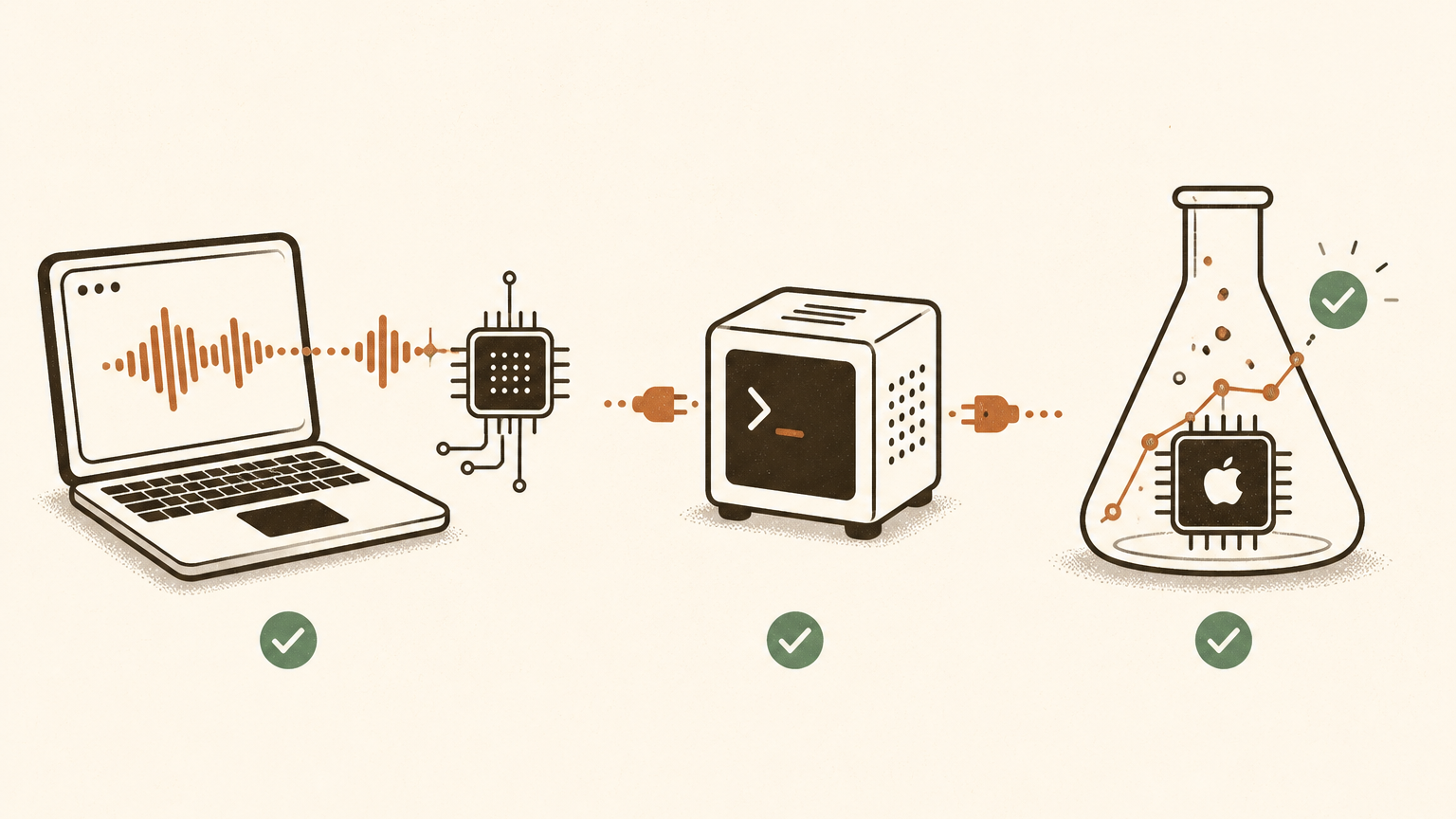 WhisperKit vs whisper.cpp vs MLX: how to choose a local Whisper stack on Apple SiliconWhisperKit, whisper.cpp and MLX Whisper are different deployment shapes, not interchangeable engines. Use this decision rule to pick yours, then test it properly.READ NOTE →
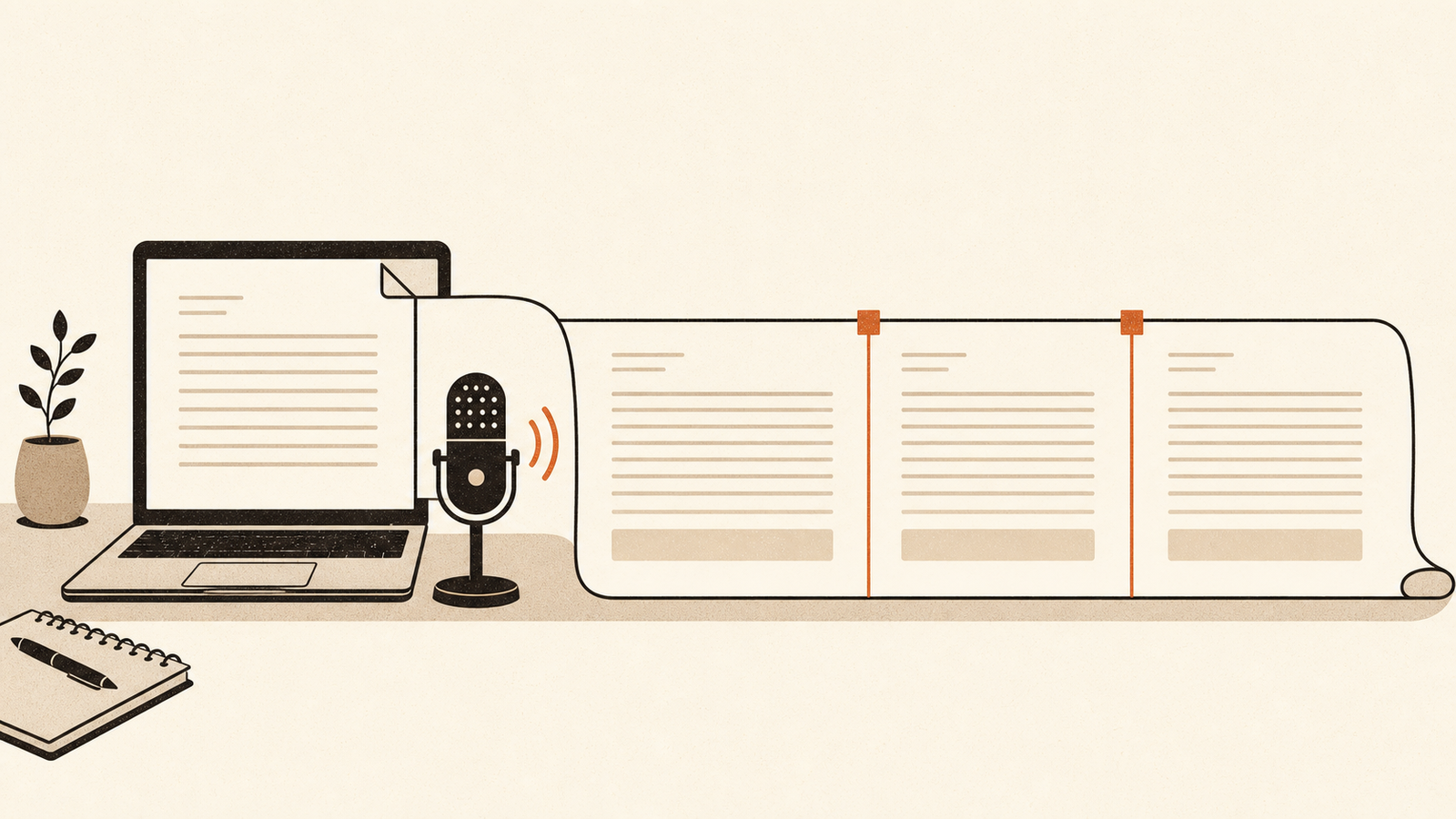 How to dictate long documents on a Mac: a workflow that survives the clean-upDictate a long report, brief or chapter on your Mac without drowning in clean-up: outline first, dictate section by section, and edit as a separate pass.READ NOTE →
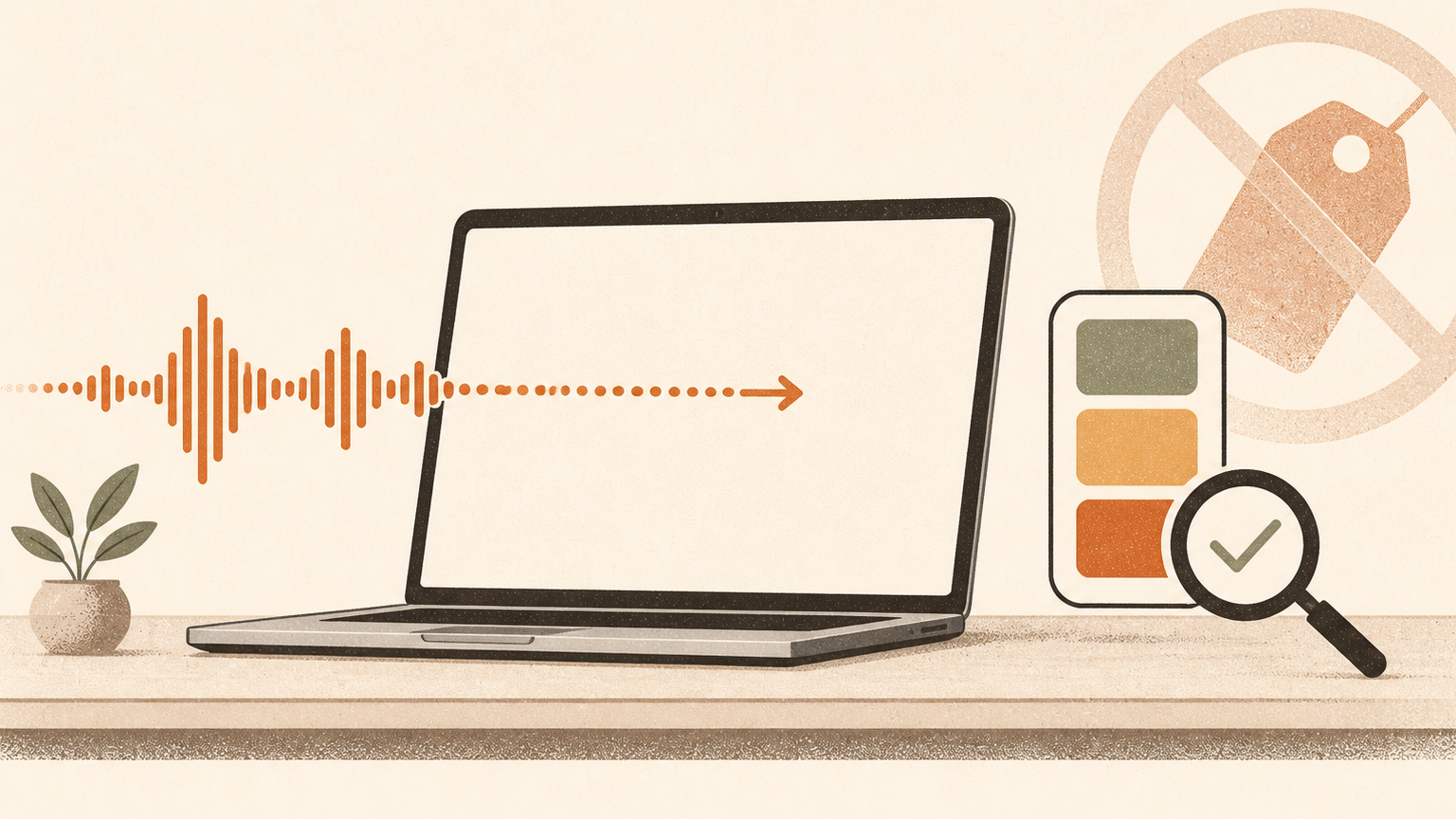 How much Mac do you need for local dictation?A practical way to decide whether your current Apple Silicon Mac has enough memory for local dictation, without relying on misleading model-size tables.READ NOTE →
 Offline and air-gapped dictation on a MacA practical way to choose and test Mac dictation for offline work, sensitive connected work or a managed air gap.READ NOTE →
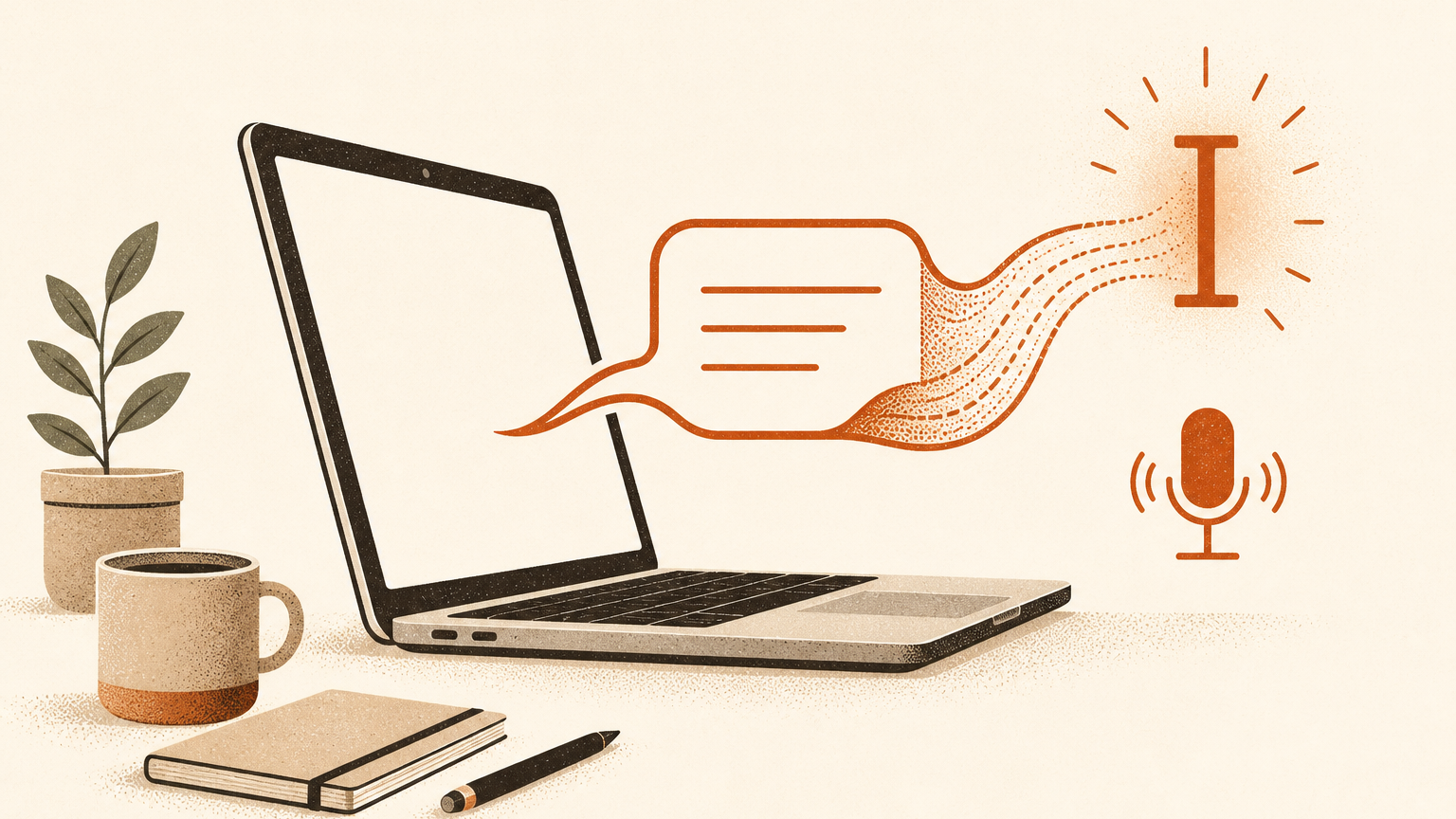 How to dictate on a Mac: the practical guideSet up macOS Dictation, learn the commands that make it useful, and fix the common problems that stop speech becoming text.READ NOTE →
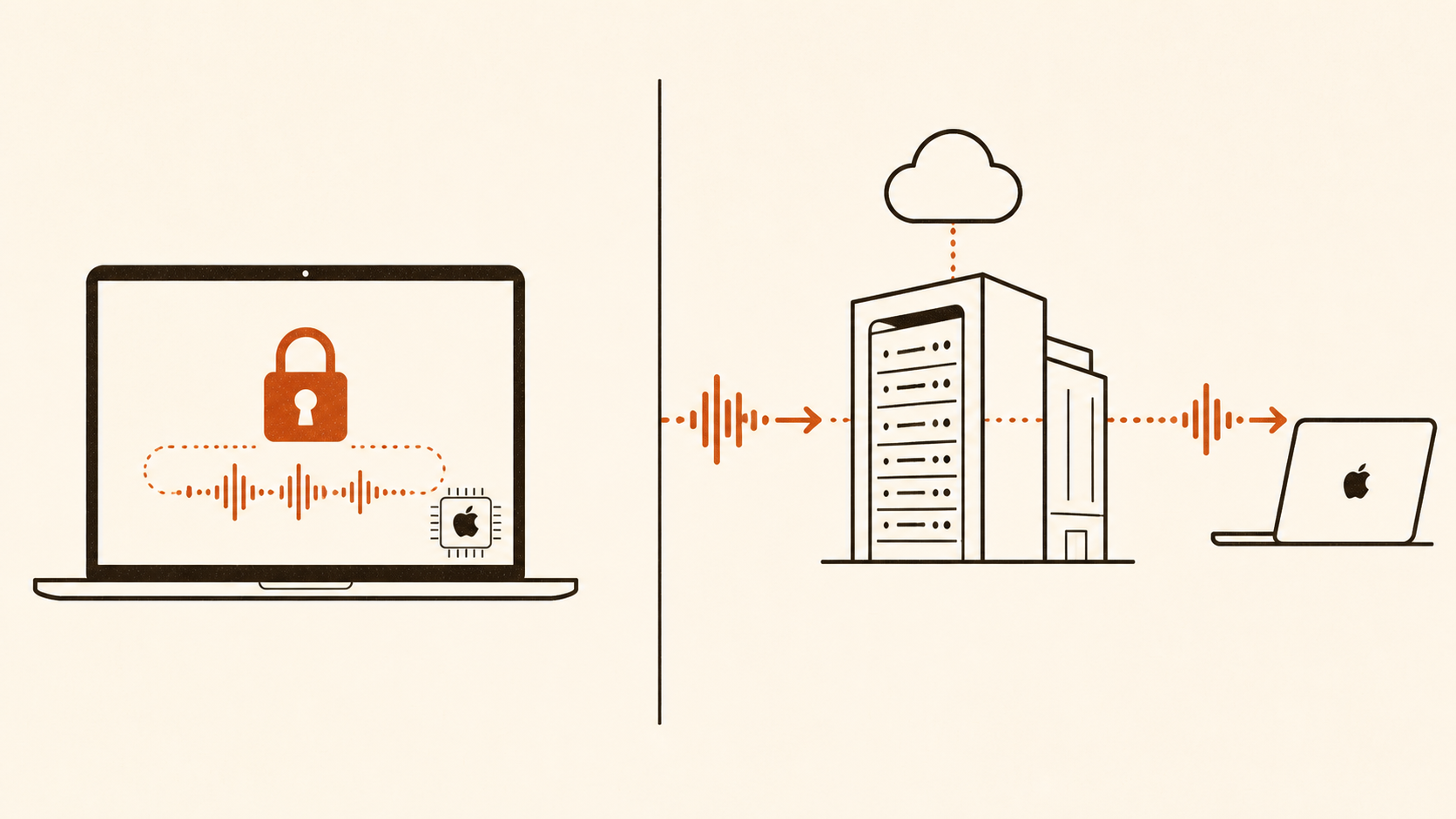 Does Mac dictation send audio to Apple?Sometimes. One sentence in Keyboard Settings tells you whether general text Dictation stays on your Mac or goes to Apple's servers.READ NOTE →
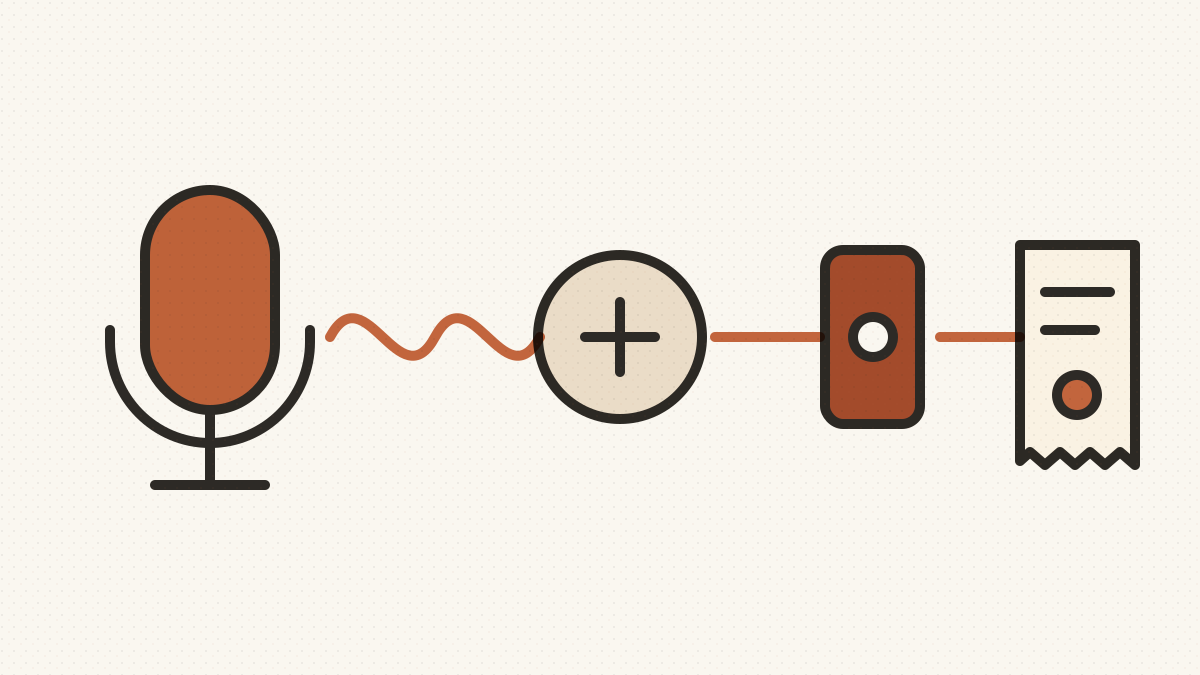 What BYOK dictation actually costs per providerCompare BYOK dictation costs for transcription and cleanup providers using one transparent hourly model, then replace the assumptions with your own usage.READ NOTE →
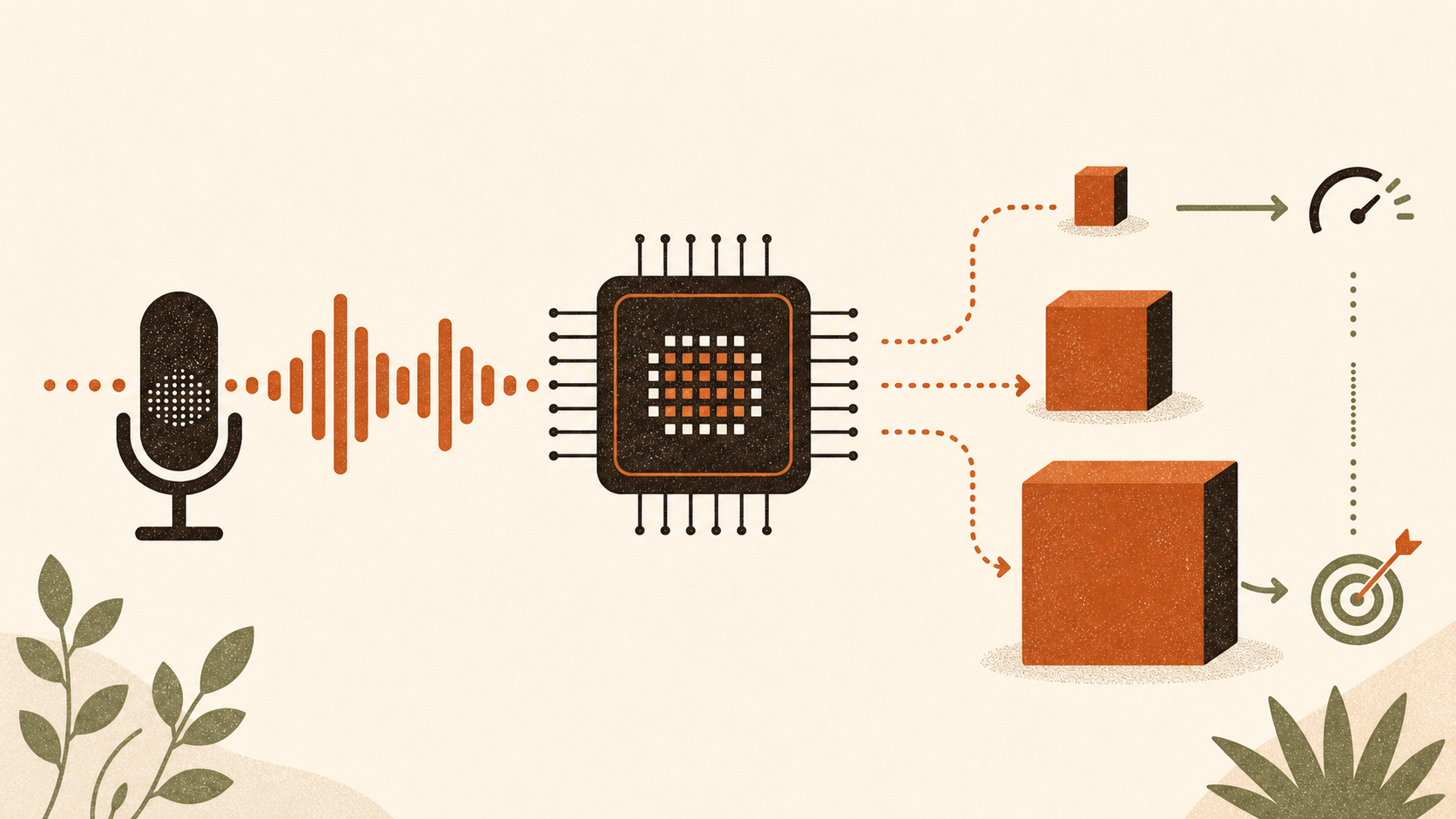 Which Whisper model should you use for live dictation on Apple Silicon?A practical way to choose a Whisper model for Mac dictation without mistaking vendor throughput tests for measured live latency.READ NOTE →
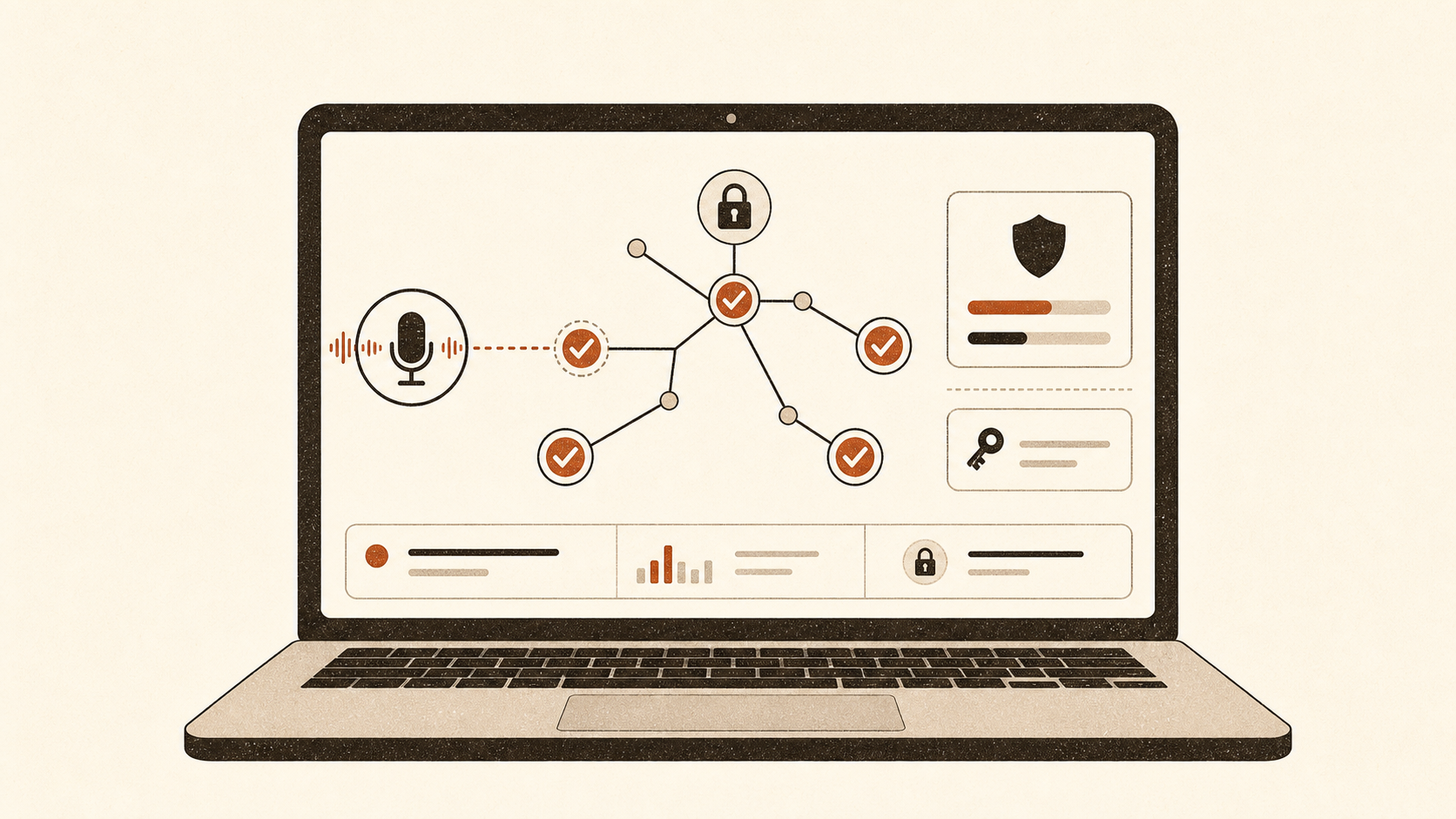 How to verify a dictation app is local: a network-audit walkthroughCheck whether a Mac dictation app sends data during dictation, using Little Snitch, built-in tools, Wireshark or an HTTPS inspection proxy.READ NOTE →
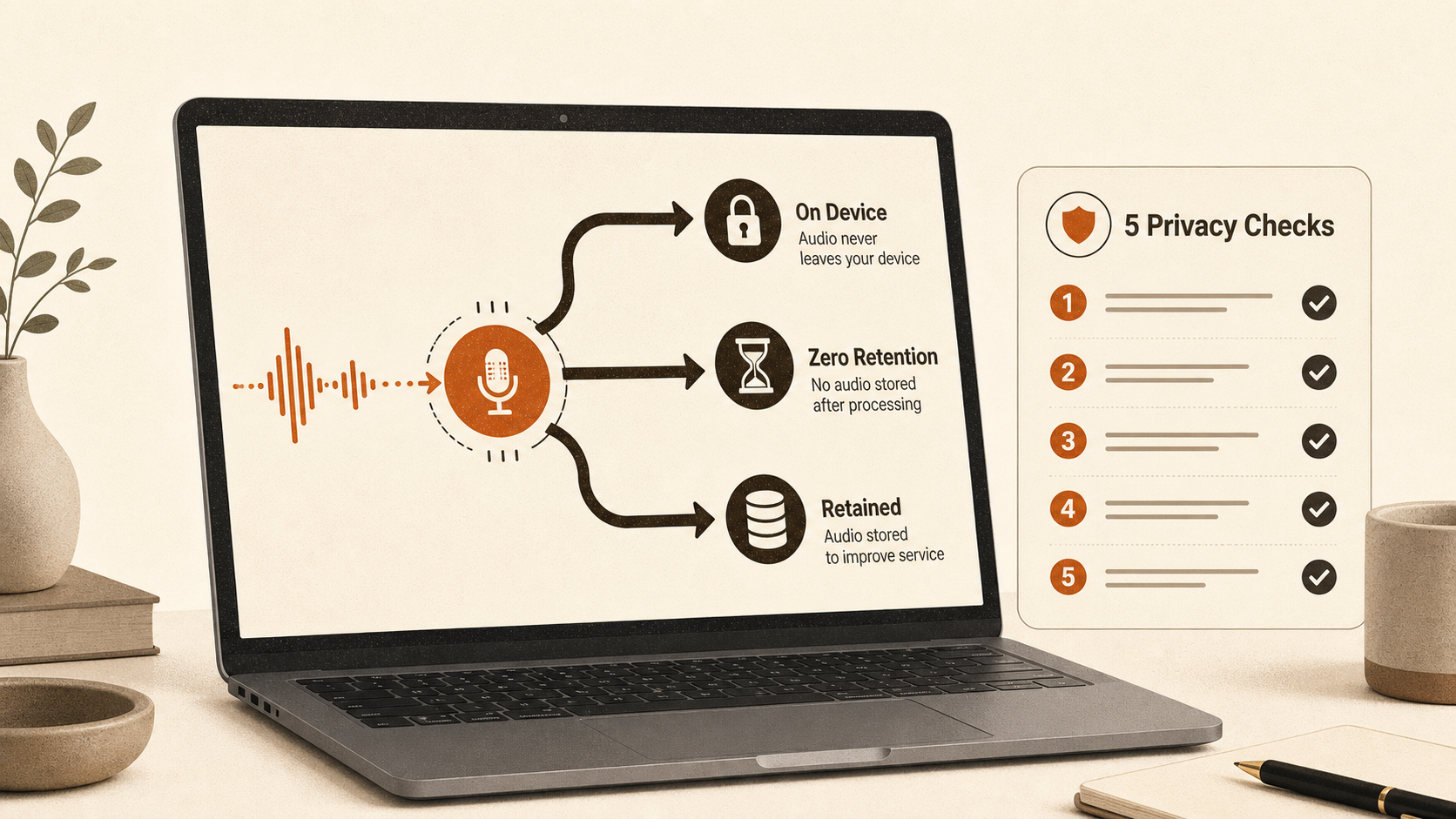 Is dictation private? Where your audio actually goesDictation can keep speech on your Mac, send it away briefly, or retain it. Learn how to check the active route, local history and cloud terms.READ NOTE →
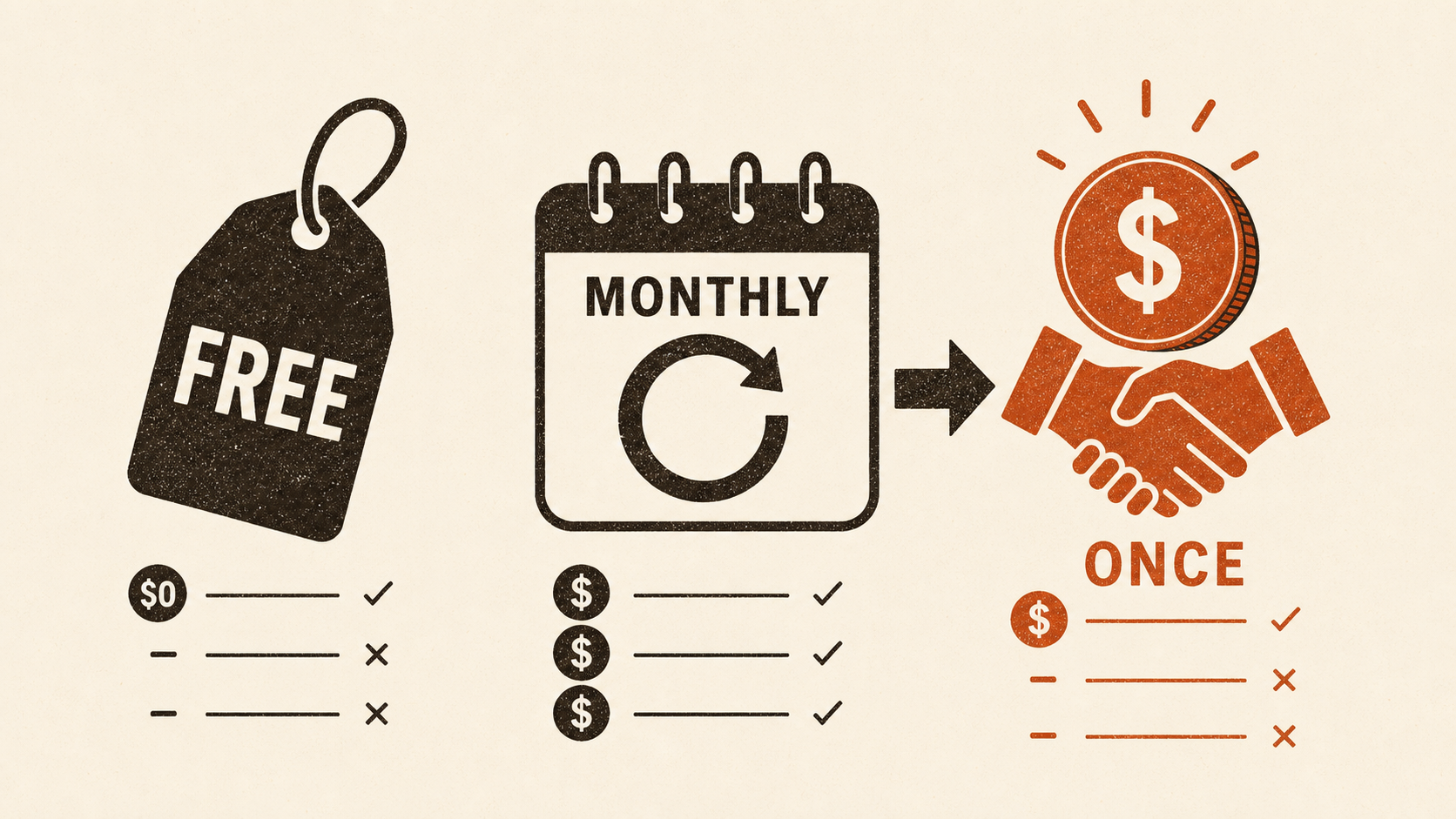 Free vs paid dictation apps for Mac: compare the cost properlyCompare free, subscription and pay-once Mac dictation by app fees, cloud usage and time horizon, with a worked three-year cost table.READ NOTE →
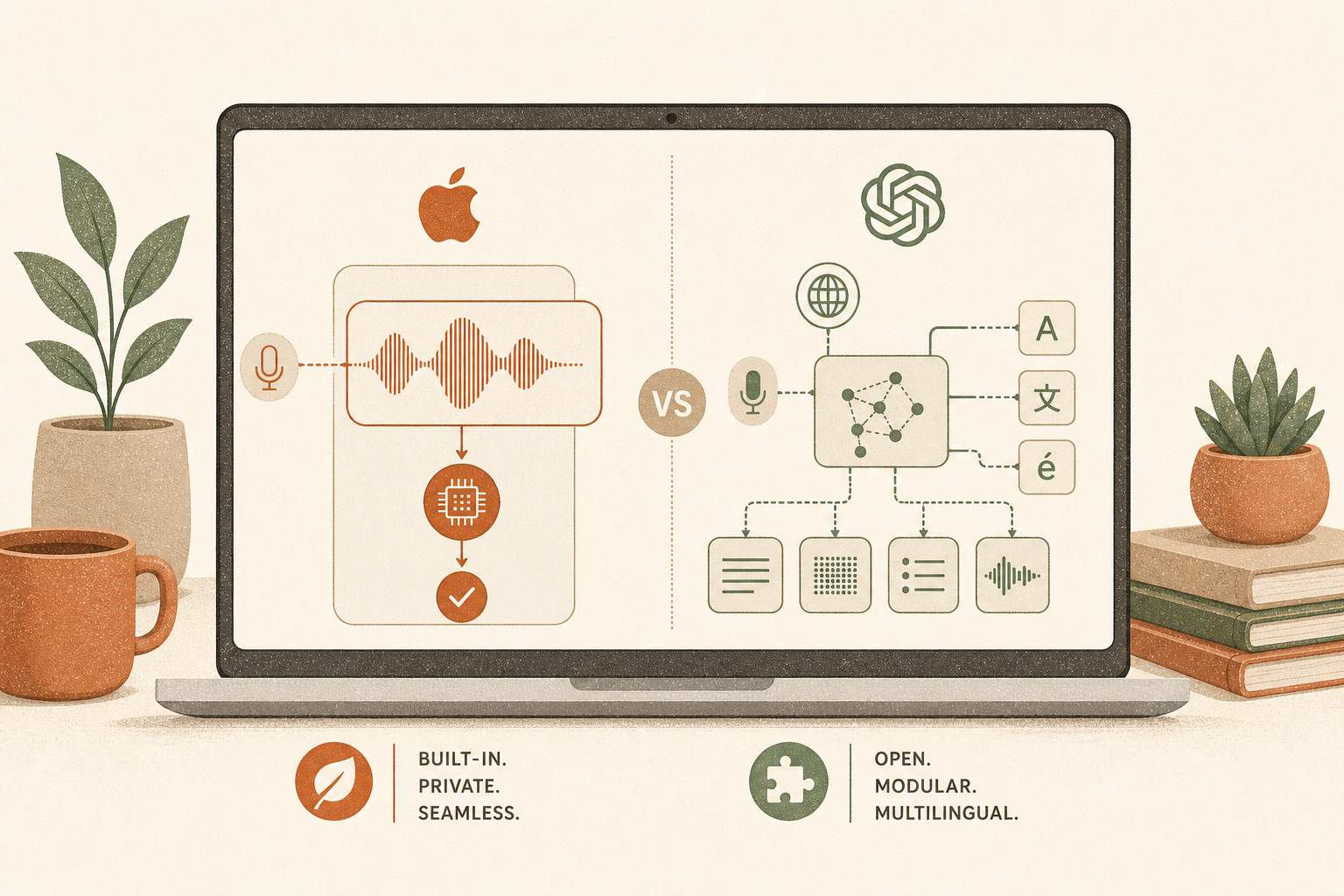 Apple SpeechAnalyzer vs Whisper: what actually changed for Mac dictationApple's new on-device SpeechAnalyzer engine beats Whisper on English accuracy and speed. But Whisper supports 99+ languages, runs on older Macs, and gives you control over the model. Here is what the data actually says.READ NOTE →
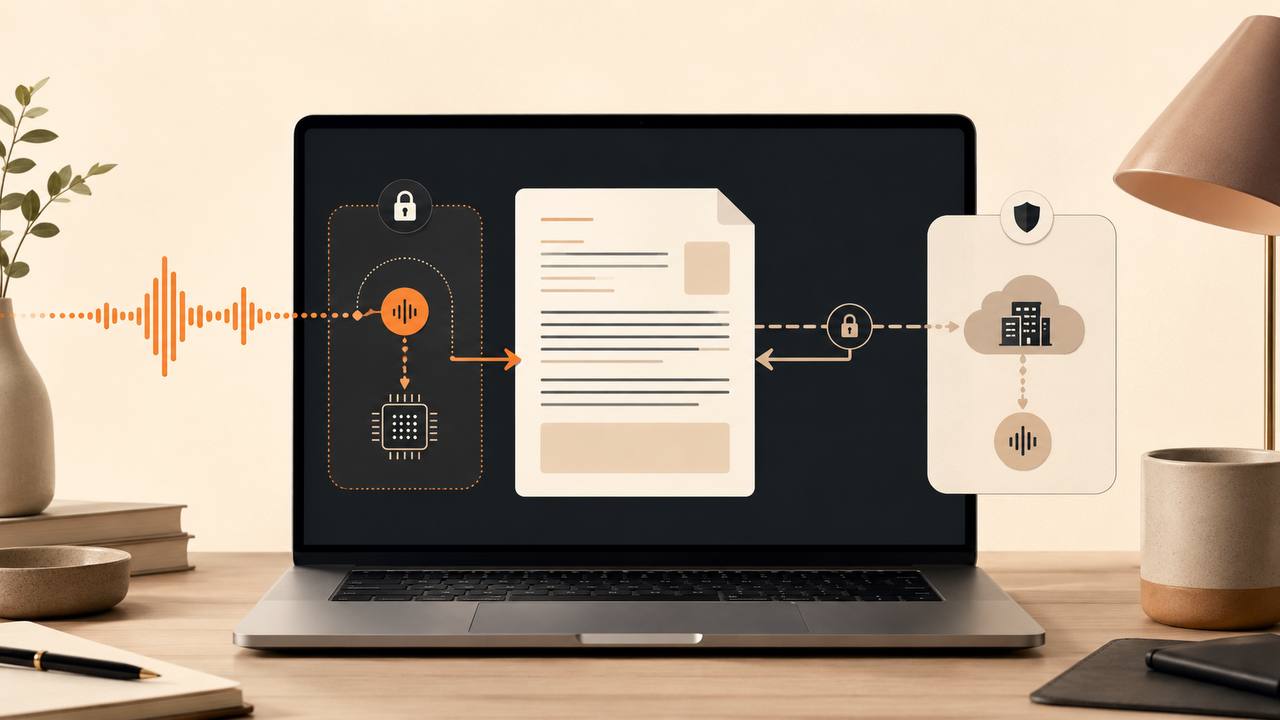 How to choose a private Mac dictation appA privacy badge isn't enough. Run the Five Stops test: capture, transcription, clean-up, insertion and history, product operations. Then verify your exact mode.READ NOTE →
 Mac dictation apps without a subscription: what pay-once actually costsEvery current way to dictate on a Mac without monthly billing, with verified prices, three-year totals and the honest maths of running the AI on your own API key.READ NOTE →
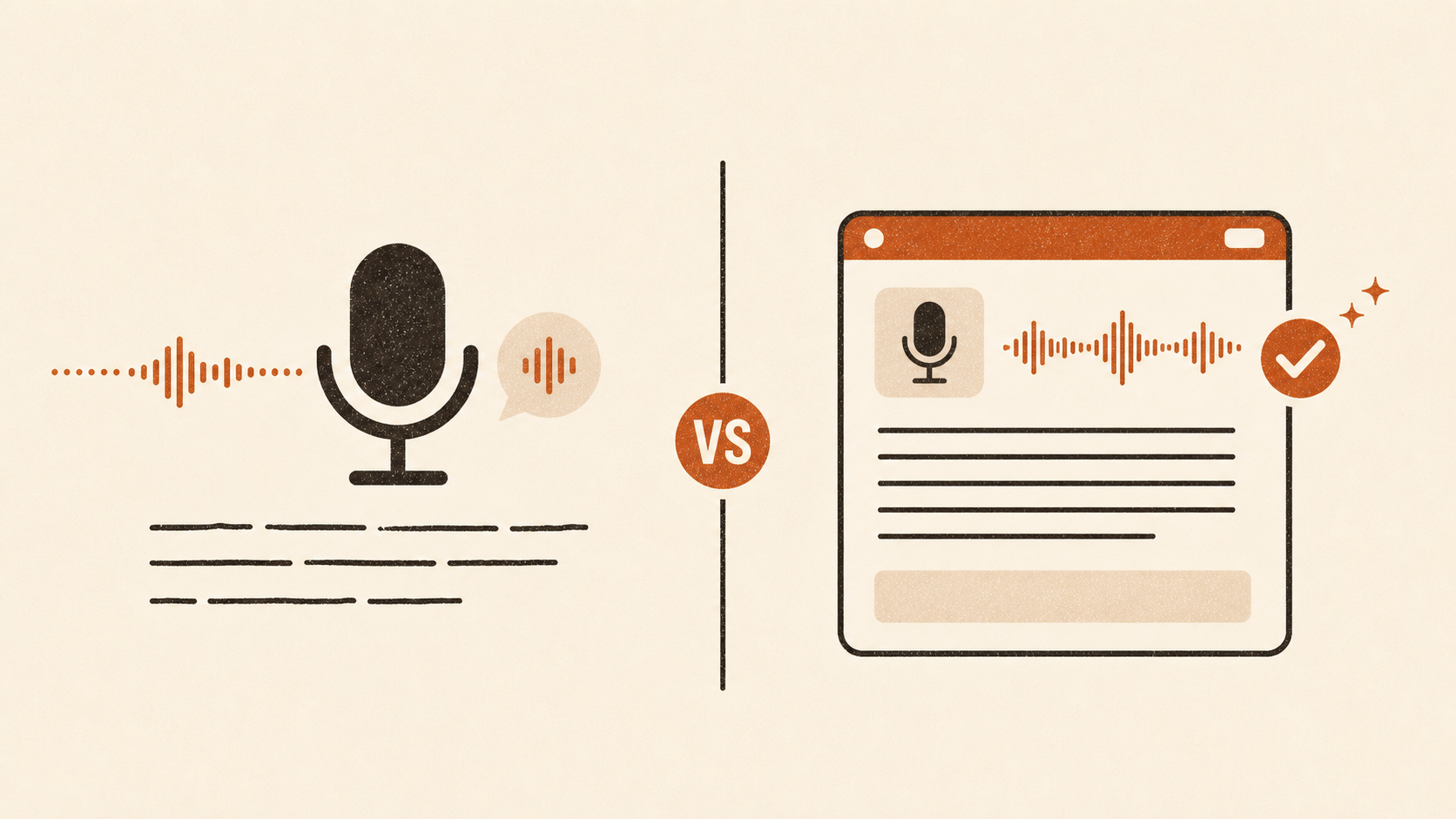 macOS built-in dictation vs a dedicated dictation app: which one and whenApple Dictation is free and works offline on Apple Silicon Macs. But for more than a sentence or two, dedicated dictation apps cut correction time enough to earn their price. Here is the honest comparison.READ NOTE →