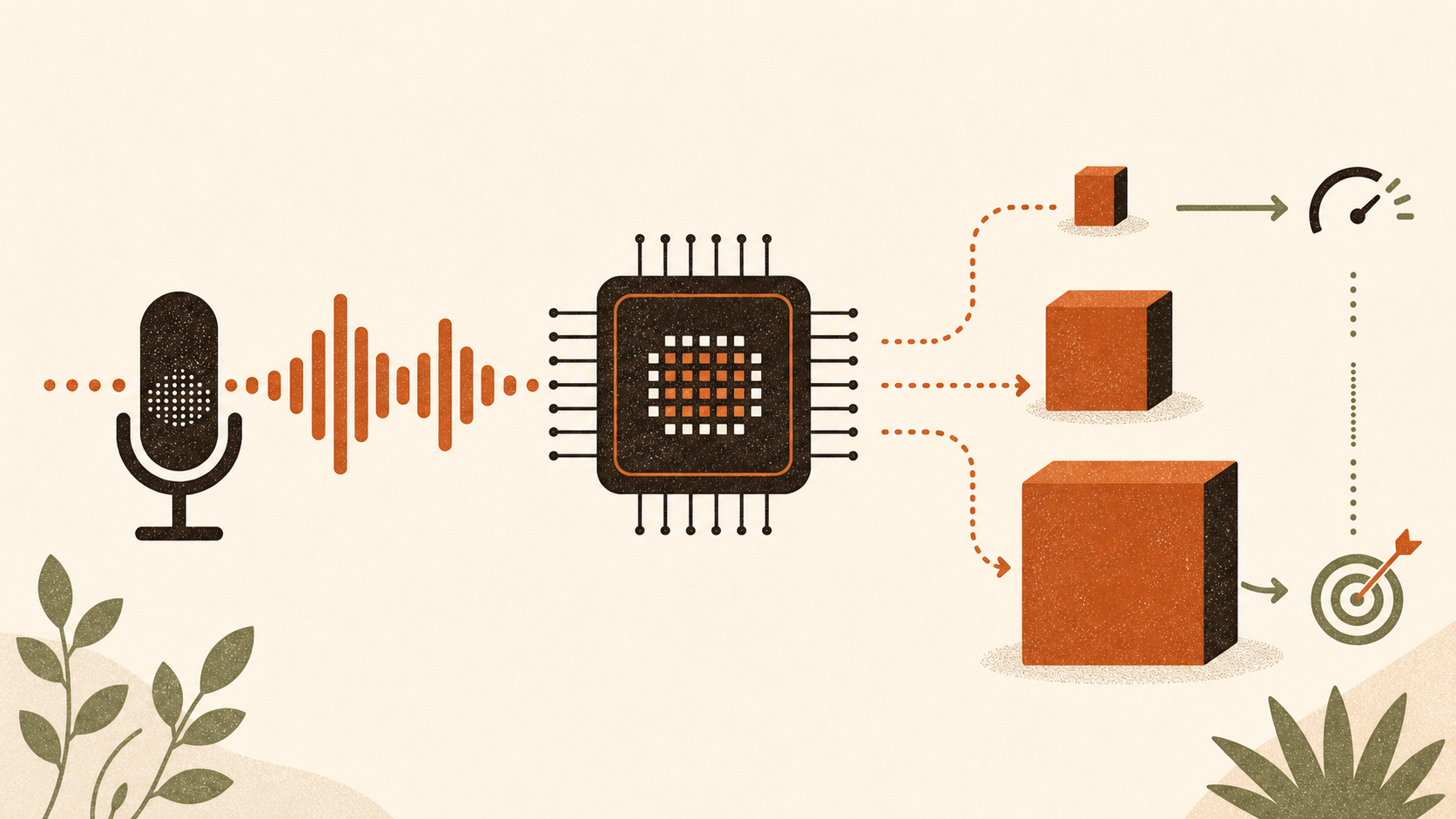
If your Mac dictation app offers large-v3-turbo, try that first. Then compare it with small using your normal microphone and the words you actually dictate. Keep turbo if it returns text quickly enough and makes fewer important mistakes. Keep small if the result is similar and it feels quicker or lighter.
That advice is less tidy than a chart saying "M1 equals base" and "M4 equals turbo", but it is better supported. There is no controlled public test that compares the same models, runtime, app pipeline and dictation tasks across every M1, M2, M3 and M4 configuration. Most published numbers come from companies selling dictation software, and most measure completed audio files rather than the delay from releasing a hotkey to seeing text.
Start with the choice your app actually offers
Whisper has several model families, but an app may support only some of them. The runtime and packaging matter too. A PyTorch checkpoint, a Core ML bundle and a quantised whisper.cpp file can all carry the same model name while using different amounts of disk space and memory.
OpenAI lists tiny, base, small, medium, large and turbo models. The larger models generally need more memory, while turbo reduces the large-v3 decoder and is designed to transcribe faster. OpenAI also states an important limitation: turbo transcribes speech in its original language but does not perform Whisper's speech-to-English translation task. [1]
The whisper.cpp model list shows why bare size claims are risky. Its standard large-v3 file is 2.9 GiB and its q5 file is 1.1 GiB. Large-v3-turbo is 1.5 GiB in the standard package and 547 MiB in q5. Those are disk artefacts, not measurements of runtime RAM. [2]
For live dictation, the useful shortlist is usually:
- large-v3-turbo when the app supports it and return time matters;
- small when you want a lighter model or turbo feels heavy in that app;
- base when small still puts too much pressure on the machine;
- full large-v3 only after it proves an accuracy benefit on your own speech.
Tiny can be useful on constrained hardware, but speed is a poor bargain if you spend the saved time repairing the transcript.
Why the chip tables do not settle it
JustVoice publishes illustrative whisper.cpp ranges for a base M1, M2 Pro, base M3 and base M4. Its own methodology says the table combines public benchmarks with unpublished internal tests. It reports warm runs on clean English audio and mixes q5 weights for smaller models with fp16 for medium and large-v3. [4]
SpeakUp publishes a different whisper.cpp test using its own app, the small model and a 30-second English clip. It reports about three seconds of processing on a base M1 and about 1.5 seconds on a base M4. SpeakUp also reports that small uses roughly 900 MB in its implementation and runs comfortably on an 8 GB Mac. [5]
These figures are useful clues, not an independent league table. They differ in audio, application code, model packaging and reporting convention. Neither source measures the whole journey from hotkey release to text in another Mac app.
Chip labels hide another problem. "M2 Pro" and "M3" do not describe the same GPU, memory capacity or thermal envelope. A newer base chip does not automatically beat an older Pro chip for every Whisper runtime. Memory pressure also depends on the rest of your workload. A benchmark run on an idle Mac tells you little about dictating while a browser, IDE and video call are open.
Turbo is faster, but the exact multiplier belongs to the app
The cleanest Apple Silicon comparison in the current source set comes from Whisper Notes. It ran the same ten-minute file in the same app on an M2 MacBook Pro. Full large-v3 took 316 seconds and turbo took 63 seconds. The publisher attributes the difference to its Core ML and Neural Engine implementation and explicitly limits the five-times result to Whisper Notes on Apple Silicon. [3]
That supports a narrow conclusion: turbo can cut waiting substantially in a suitable Apple Silicon app. It does not prove a five-times gain on an M1, in whisper.cpp, in WhisperKit or in your dictation workflow.
Accuracy needs the same restraint. Whisper Notes reproduces English benchmark results that place turbo close to full large-v3, but still slightly behind it. Language performance varies, and OpenAI warns that Whisper accuracy differs widely by language. Test the language you use rather than assuming a general English result will transfer. [1] [3]
Runtime claims need a common test
WhisperKit and whisper.cpp are both used for on-device Whisper on Apple platforms. WhisperKit targets Apple hardware with a native Swift interface. whisper.cpp supports a broader range of platforms and quantised packages.
You will find articles claiming that one is faster. The CactusCompute comparison says WhisperKit may have an advantage on Apple hardware, but it publishes no controlled timings. That is not enough to rank the two runtimes. [6]
A fair engine comparison would hold the Mac, model, precision, audio, decoder settings, warm-up state and text-insertion path constant. The sources available here do not do that. For a buyer, the app is the benchmark. You cannot swap its inference engine merely because another engine won a test elsewhere.
Measure the delay that interrupts you
Real-time factor tells you how quickly a model processes recorded audio. It does not tell you how long text takes to appear after you stop speaking.
A dictation app may still need to load the model, prepare audio, run voice-activity detection, decode the result, apply optional text clean-up and insert the text into the active field. Warm file tests often exclude several of those steps. Cold-start figures are especially sensitive to the runtime, cache state and app design.
Use a stopwatch or a screen recording and run this simple test:
- Dictate ten short phrases of roughly five seconds.
- Dictate ten longer passages of roughly 30 seconds.
- Measure from releasing the hotkey until the final text appears.
- Count corrections that change meaning, especially names, numbers and specialist terms.
- Repeat with one alternative model while the same normal apps remain open.
Do not score punctuation preferences as recognition errors unless punctuation is the reason you are changing models. Keep the model that reduces costly corrections without introducing a pause that breaks your writing rhythm.
Test the speech that normally fails
Clean audiobook speech flatters transcription models. Your useful test set is the awkward material: surnames, company names, postcodes, product identifiers, acronyms, a noisy room and any language switching you genuinely use.
Do not assume that moving up a size fixes specialist vocabulary or hallucinations. A model can mishear a proper noun at any size, and an app's prompting, vocabulary features, voice-activity detection and clean-up stage can change the final text. Those are pipeline behaviours, not proof that the underlying transcription became more accurate.
If full large-v3 fixes those examples and the wait remains acceptable, use it. If turbo and small produce the same important words, take the faster or lighter option.
How this applies to ShoutFlow
ShoutFlow's current main-branch source uses WhisperKit for local transcription and offers tiny, base, small and large-v3-turbo, with turbo selected by default. Its optional local text clean-up uses MLX and is a separate stage. The public release does not expose a source commit, so current repository behaviour cannot prove the exact code in every installed build.
ShoutFlow has not published a controlled model-by-model latency or accuracy study. The honest recommendation is therefore the same as it is for any Mac dictation app: begin with the default, test small if you dislike the wait or resource use, and judge both on your own failure cases.
There is no prize for running the largest model. The right model is the smallest one that returns usable text without making you stop and wait.